Included
- 1 free render credit to start
- Exact quote before rendering
- Every style & aspect
AI drone film director
Drop in raw footage and a track. AiCutting finds the smooth, cinematic moments, rejects the rough ones and directs a finished film around the music.
The director pass
Every shot is assessed before the edit begins. The film shows how, in 36 seconds.
Real output
Inspect the pacing, shot changes and visual flow. This is the actual 60-second AiCutting output, not a concept reel.
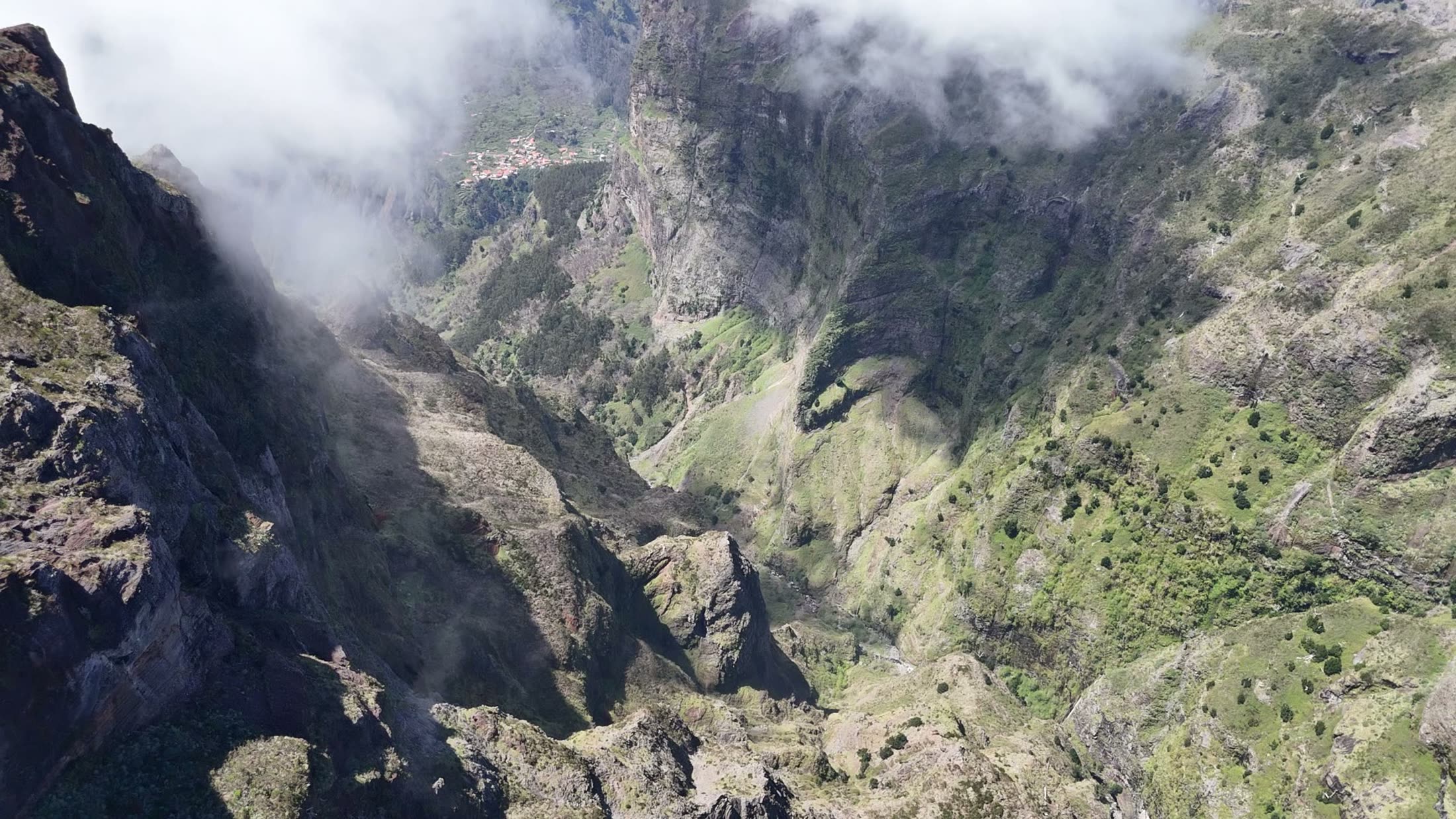
Madeira footage, directed and rendered by AiCutting — unedited output.
From folder to film
You choose the footage, music and output. The director handles the edit.
Upload the raw drone clips you want the director to consider.
Choose a track, style, format and title. See the exact quote before rendering.
Download the finished 1080p or 4K film, with social versions when configured.
Customer reviews
4.0 / 5 · 7 customer ratings
★★★★★
“I Love the new director it’s so good to only use good scenes and perfectly cuts on beat”
Real customer
★★★★
“Took pretty long but the outpout is crazy”
Real customer
★★★★
“The audio and footage are almost perfectly synchronized. I'm really excited to see the upcoming updates!”
Real customer
★★★★★
“Every update their Engine gets better and better!”
Real customer
★★★★
“Close to Perfect”
Real customer
Pricing
1 credit = 10 minutes of your footage in 1080p. 4K costs 3 credits per 10 minutes. That's the whole model.
You see the exact total before anything renders and only pay for a cut you confirm. Credits come in packs of 5 for €9, and never expire.
No VAT is charged under section 19 UStG (German Small Business Regulation).
FAQ
Upload your clips and pick a track. AiCutting rates every shot, drops the takeoffs and shaky filler, cuts the keepers to the beat, colour-grades the whole film and adds a title from your footage's location — then renders a finished cut you download.
No. The AI does the editing — shot selection, beat-synced cutting, colour grade and titles are automatic. You upload footage, review an exact price, and download the finished cut.
Yes — upload your own track (behind a rights confirmation) or pick one from the library. The cut is synced to that song's beat.
You pay for the footage the director analyses — every 10 minutes of uploaded material is 1 credit at 1080p, 3 at 4K. The exact price shows before anything renders and you confirm it, so there's no subscription and no hidden fees.
Drone pilots, real-estate and travel creators, and anyone who wants a cinematic, beat-synced video from aerial footage without opening an editing program.
Your next flight
Bring the raw clips and the track. AiCutting directs the rest.
Create my cut